Wheel Balancer Repeatability Test: Workshop Checklist
A wheel balancer that displays different correction weights on the same wheel does not automatically need recalibration. The variation may come from centering, an adapter, wheel data entry or an unstable installation. A structured wheel balancer repeatability test helps a workshop separate these possibilities before changing settings or replacing parts.
This checklist focuses on comparing controlled measurements, not on prescribing a calibration sequence for every machine. Whether you are reviewing existing equipment or comparing Autokato wheel balancers, ask how results behave both before and after the wheel is remounted. One apparently successful spin is not a complete diagnostic record.
1. Separate Repeatability from Calibration
Repeatability asks whether a measurement stays consistent when the relevant conditions stay the same. Calibration establishes the machine's measurement reference using the procedure and equipment specified by its manufacturer. These are related checks, but they are not interchangeable.
A balancer can repeat measurements consistently and still require a prescribed calibration verification. Conversely, changing calibration settings will not repair an incorrectly centered wheel. Record what changes between runs: the mounting position, adapter, operator, balancing program or wheel dimensions. Without that distinction, several adjustments can hide the original problem instead of resolving it.
2. Establish a Safe, Controlled Setup
Only trained personnel should perform the check. Follow the operating manual for wheel capacity, mounting, protective guards, handling and isolation before inspection or cleaning. Stop if the shaft, clamp or adapter appears damaged, the wheel cannot be secured correctly, or a safety device is not functioning. Never bypass a guard or interlock to speed up testing.
Check the machine's stability and installation against the model requirements. Nearby vibration, a rocking cabinet or disturbed mounting arrangements deserve attention before measurement changes are interpreted. The wheel balancer installation guide provides a planning overview; the model-specific instructions remain controlling.
Choose a suitable, serviceable reference wheel and keep the same units, balancing program and dimension inputs throughout the comparison. Obtain the correct instructions from the equipment manuals page or request them if your model is not listed.
3. Compare Spins Without Disturbing the Mounting
Secure the reference assembly using the approved mounting method. Complete the permitted measurement cycle and record the displayed inner and outer correction values, their indicated positions and any warning messages. Repeat the measurement without loosening the clamp, moving weights or changing the program.
The purpose is comparison, not achieving a display of zero by repeatedly adding weights. Keep the assembly and settings unchanged while collecting the readings. Use the number of runs and acceptance criteria specified by the equipment supplier; there is no universal gram limit that can be applied to every balancer, wheel size and display mode.
4. Check What Happens After Remounting
If unchanged-mounting results are acceptable, compare them with readings obtained after the wheel is removed and remounted according to the manufacturer's verification procedure. Keep the reference assembly, wheel data and operating mode the same. Identify the wheel and its mounting orientation using a suitable non-damaging reference if the procedure calls for it.
Readings that are stable before removal but change noticeably after remounting suggest that centering and seating should be investigated. This is a diagnostic clue, not proof that one particular component has failed. Review the cone or collet fit, flange contact, wheel center condition and approved clamping method. The cone and adapter selection guide explains why the mounting arrangement must suit the wheel.
5. Use the Pattern to Choose the Next Check
- Readings change without remounting: verify unchanged settings, installation stability, secure mounting and the reference assembly's condition before following the supplier's troubleshooting sequence.
- Readings change mainly after remounting: prioritize centering surfaces, adapter compatibility and consistent seating.
- Only one wheel produces inconsistent results: investigate that assembly and its mounting geometry rather than assuming every machine measurement is wrong.
- Results are repeatable but vehicle vibration remains: broaden the diagnosis. Repeatability alone does not rule out tire or wheel condition, vehicle issues or other causes of vibration.
Change one variable at a time, then document the result. Do not compensate for suspected wear with excessive clamping force, improvised spacers or unsupported software adjustments. Refer persistent inconsistencies to qualified service personnel.
6. Build a Useful Test Record
A short worksheet makes technical support more effective. Include the machine model and serial number, date, operator, reference wheel identification, adapter arrangement, balancing mode, units and entered wheel dimensions. Record correction values and positions for each run, clearly separating unchanged-mounting runs from remounted runs.
Add photographs of the approved mounting arrangement and screenshots of warnings where useful. State the acceptance criteria supplied for that model and whether the results meet them. A product specification, such as a quoted measuring accuracy, should not automatically become the pass/fail limit for a different workshop test.
7. Calibrate Only with the Correct Procedure
Once mounting and setup issues have been addressed, follow any calibration or verification required by the model's manual or service guidance. Test-wheel requirements, reference weights, button sequences and checks can differ. Instructions for another balancer are not a substitute, even when its cabinet or control panel looks similar.
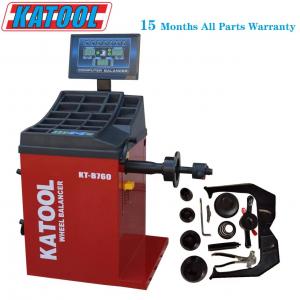
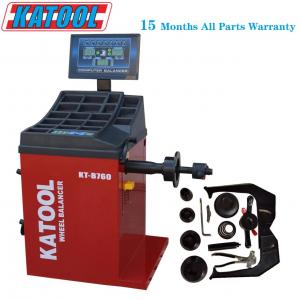
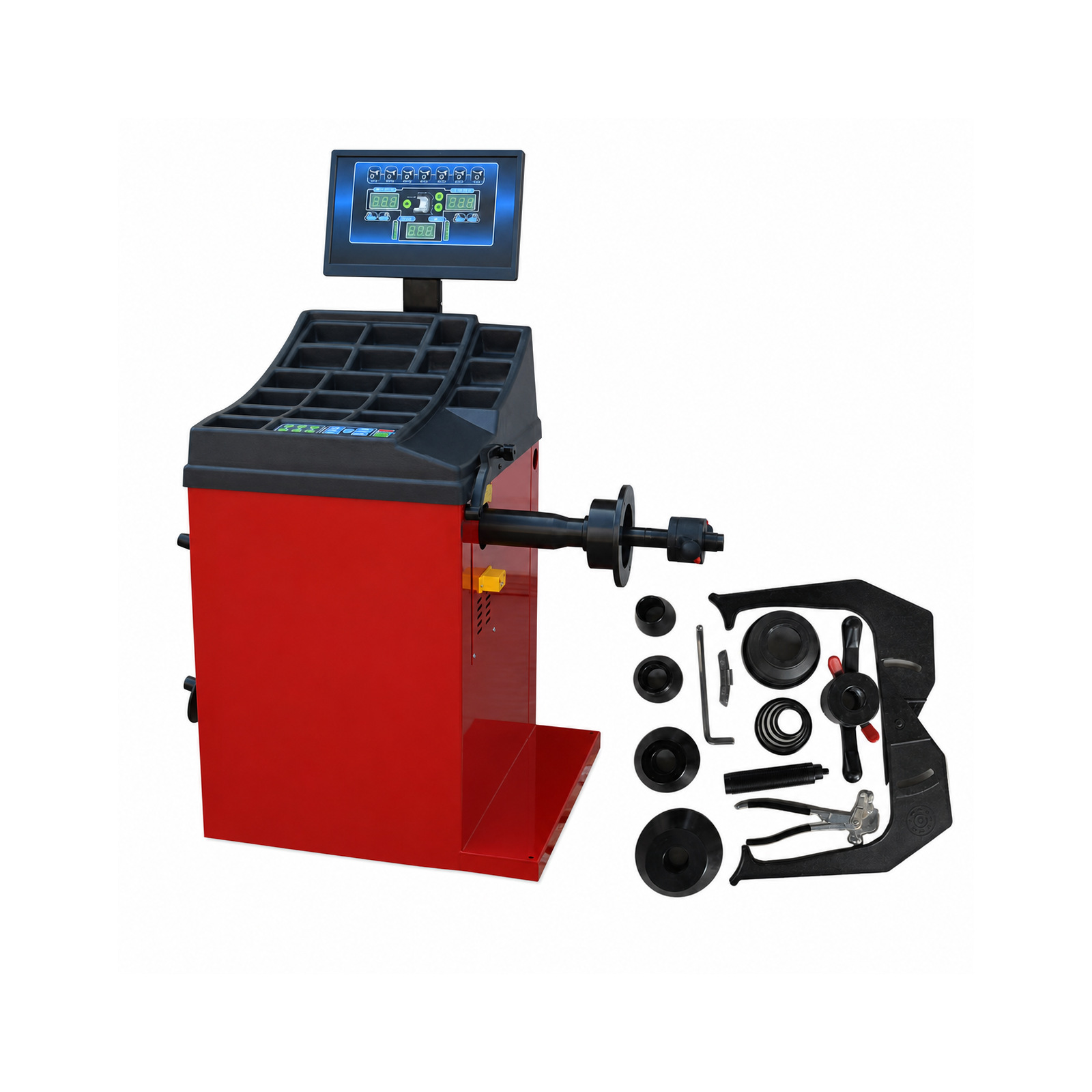
For equipment planning, the Autokato KT-B760 product page is a model reference, not a universal test procedure. Confirm the delivered configuration and applicable documentation before putting any machine into service.
Autokato supports automotive service equipment supply and OEM/ODM coordination for professional buyers. If your workshop is investigating inconsistent measurements, contact Autokato with the model details and comparison record. A clear record helps the support discussion focus on mounting, setup, verification or service instead of repeatedly recalibrating without evidence.